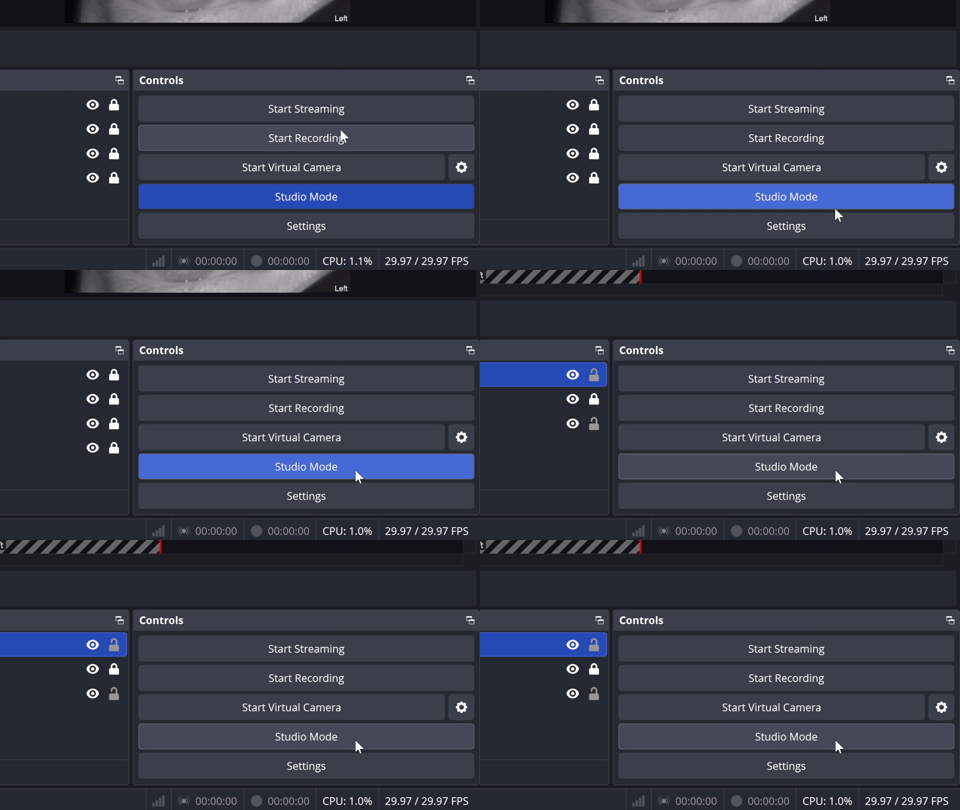
Disabling Studio Mode
Please follow the steps below to disable Studio Mode
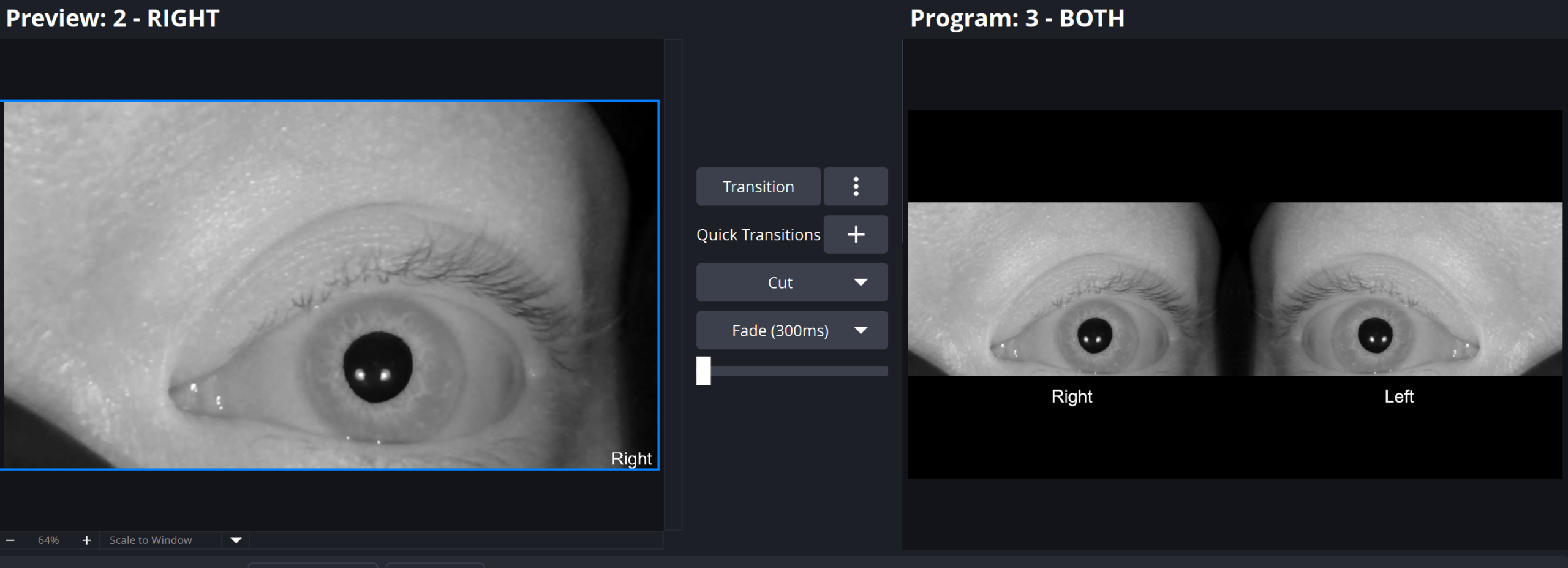
Studio Mode layout, OBS switches from one screen to a dual‑panel view
Split‑screen look, two previews side by side can seem like multiple scenes
Likely cause, a sudden split view almost always means Studio Mode is on
A. Enabling Docks
Locate the control panels in OBS, by default this is in the bottom right section of the screen.
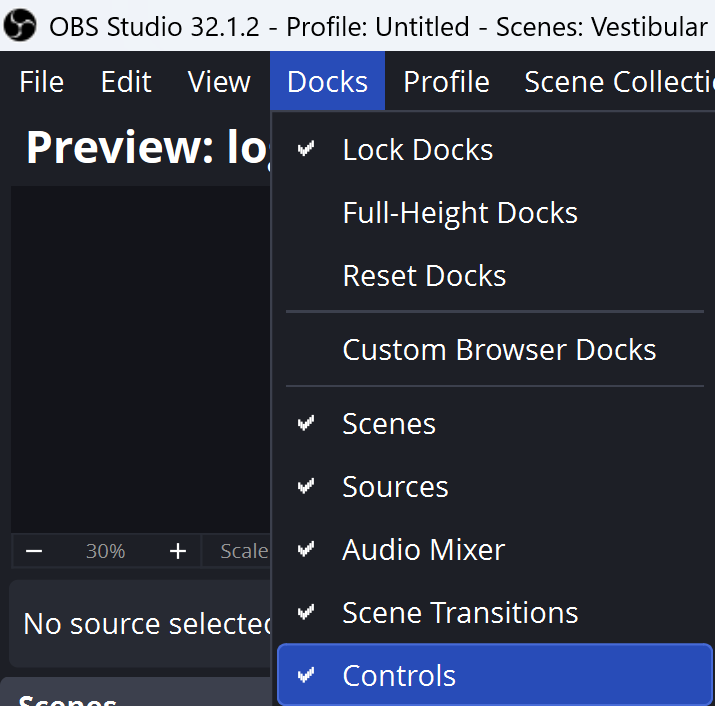
If it is not there, click Docks then click Controls so that a checkmark will appear next to controls.
B. Studio Mode
Left click on Studio Mode the box should be grey, not blue.