
Step 1 – Connect Goggles
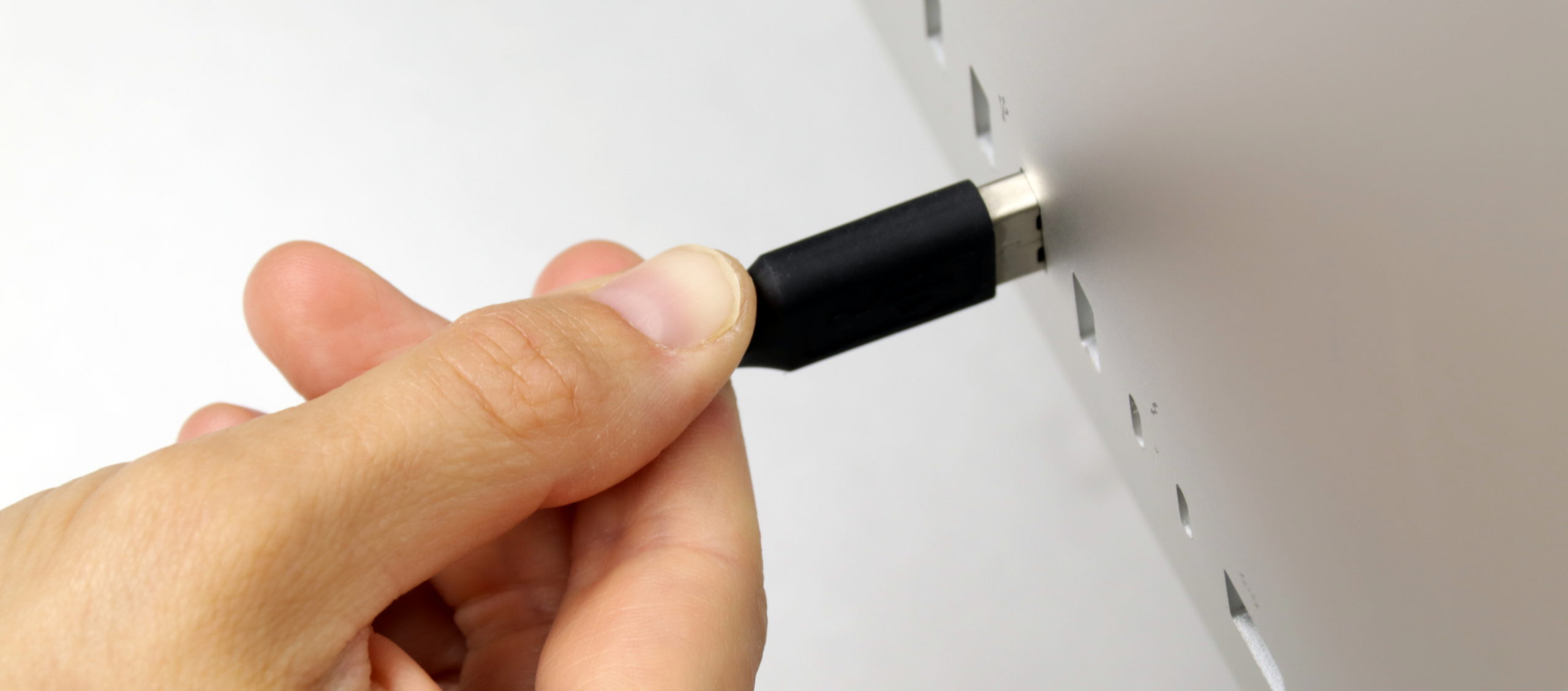
Connecting the goggles is easy! Please choose your operating system below to find the specific instructions and recommendations for each platform.
Windows
Instructions For Goggles with Dual USB-A Connections
- Find any two available USB ports–preferably on opposite sides of the computer.
- Plug in the Left and Right cables to your USB ports.
- Success–you’re almost ready to use your goggles!
Instructions For Goggles with USB C Connections
- Find any available USB-C ports
- Plug one end of the cable into the USB-C port, and the other end into the goggle.
- Success–you’re almost ready to use your goggles!